pgAdmin
You can use pgAdmin to manage PostrgeSQL.
Navigate to the pgAdmin Login page: https://serendipity.localhost:5443
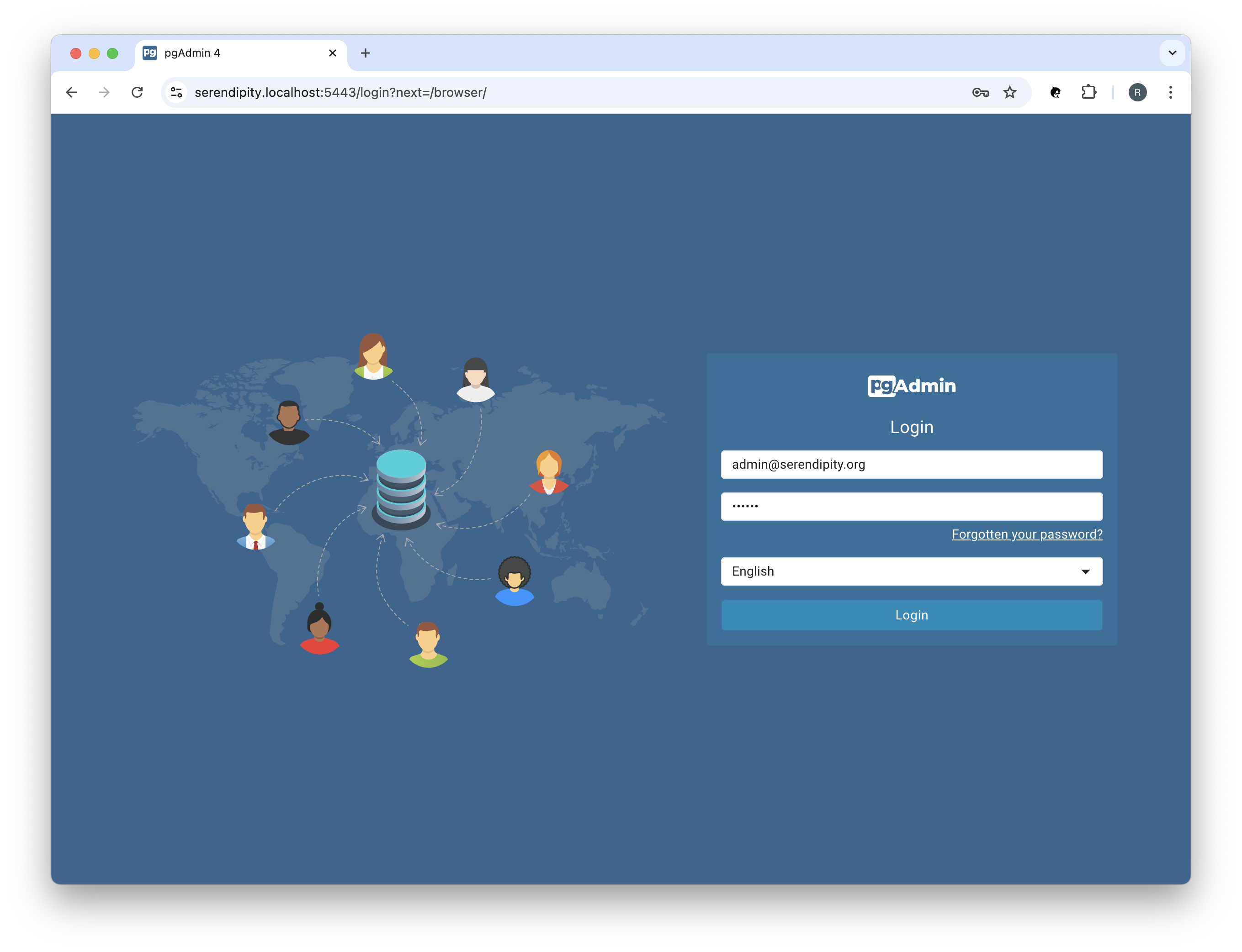
Login using the PGADMIN_DEFAULT_EMAIL (admin@serendipity.org) and PGADMIN_DEFAULT_PASSWORD (secret) credentials.
You should see something like:
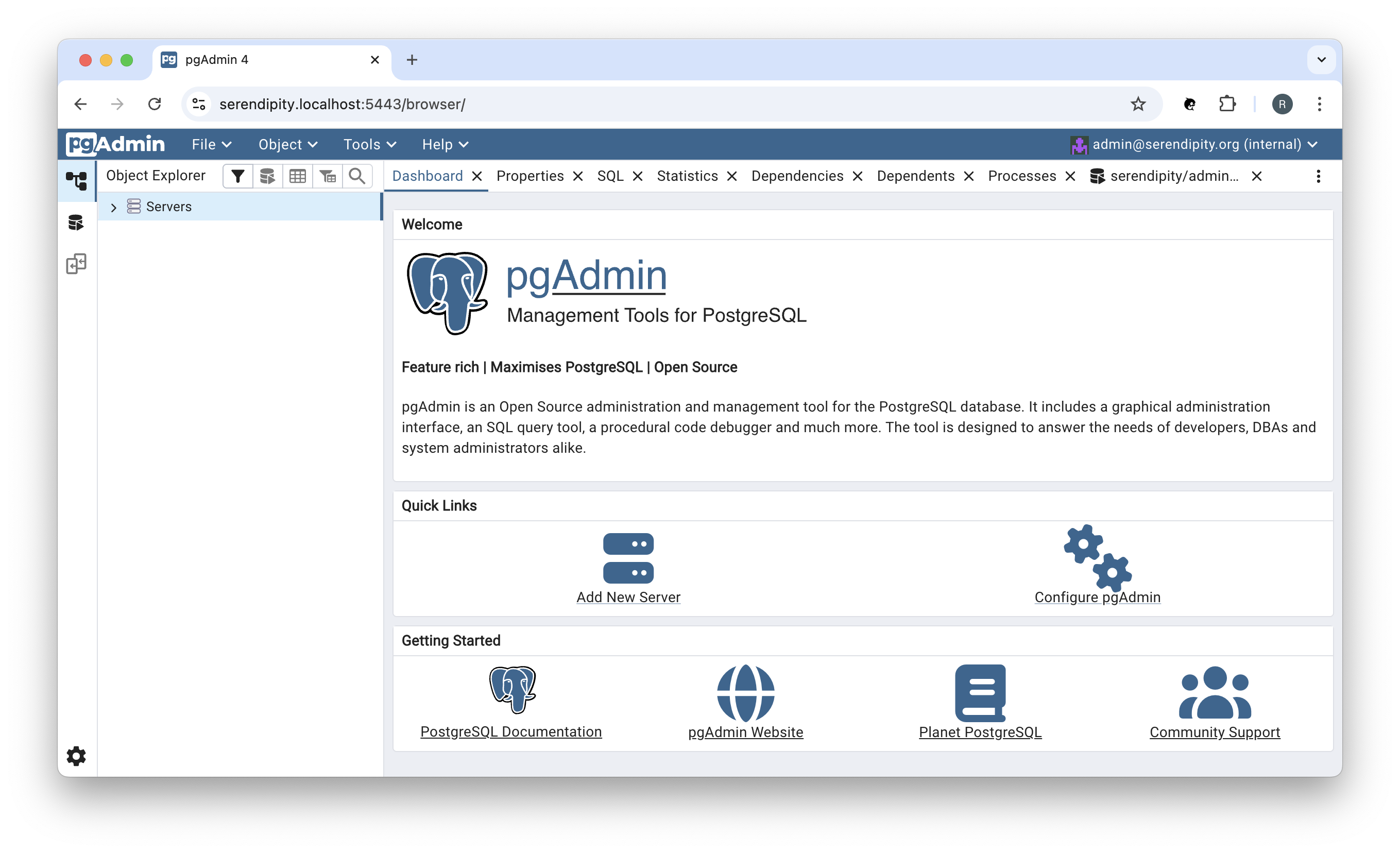
In the 'Quick Links' click on 'Add New Server':
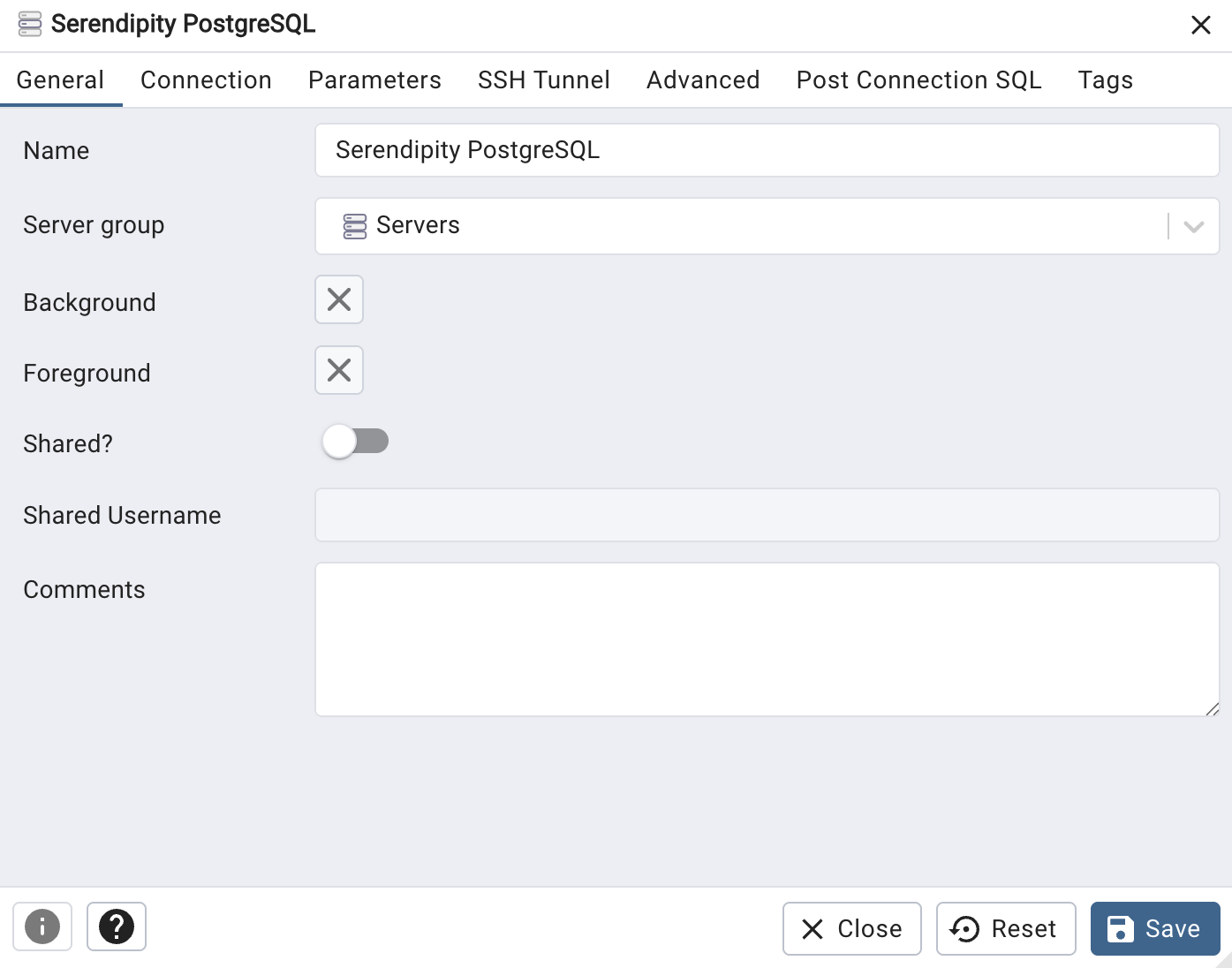
Enter the Name (Serendipity Storage Service) and then click on the 'Connection' tab:
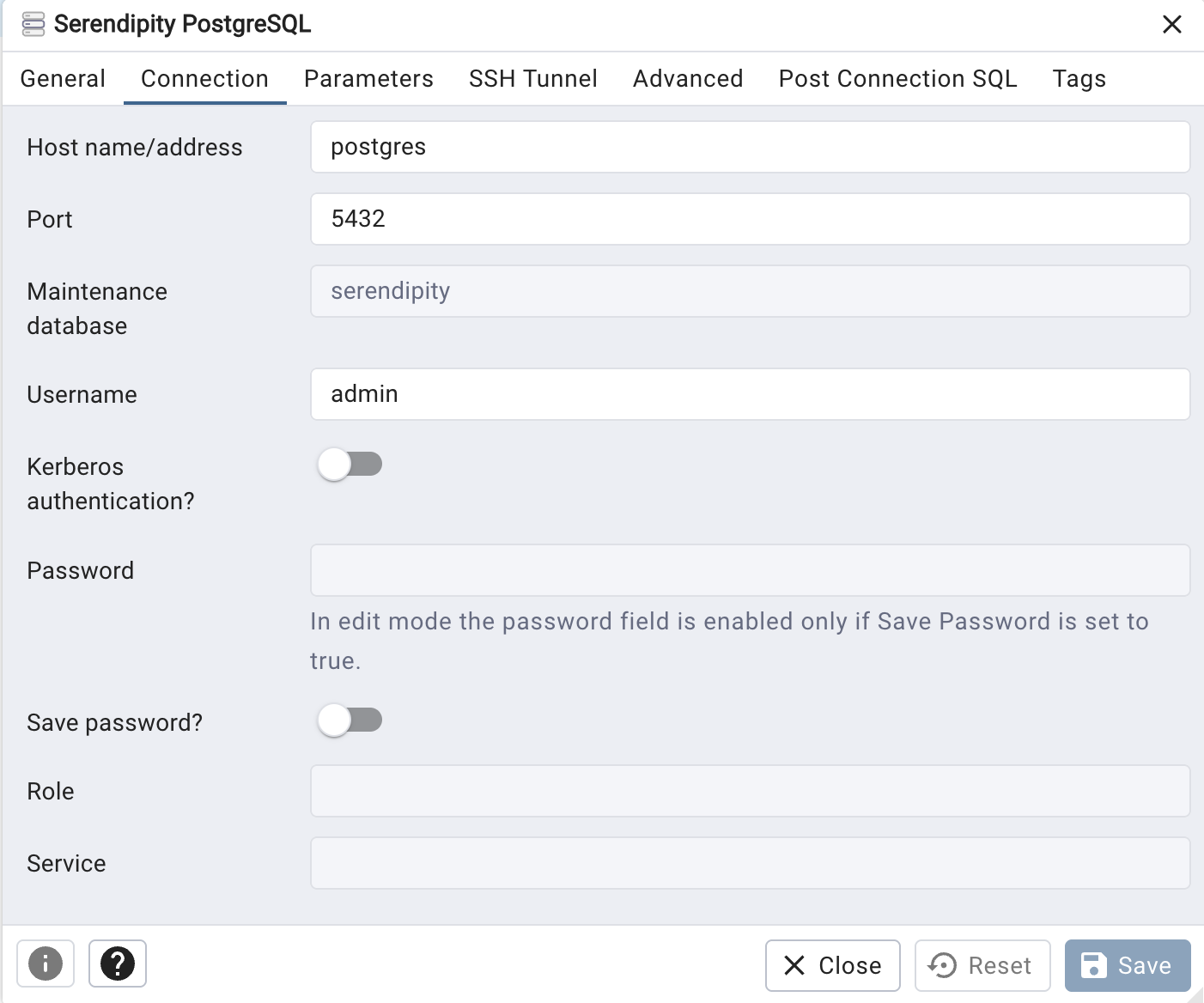
Enter the Host name / address (serendipity-storage-service) and the Username (SERENDIPITY_STORAGE_SERVICE_USER=admin) and Password (SERENDIPITY_STORAGE_SERVICE_PASSWORD=secret), and the Maintenance database (serendipity) then click the 'Save' button:
The 'Host name / address' field must match the value (e.g., serendipity-storage-service) specified in the project's docker-compose.yml.
References
pgAdmin
- pgAdmin: Documentation